SRD Status: Approved But No Payment — Meaning + Fix Path
When your SRD status shows “Approved” but you haven’t received payment or don’t see a payment date, it can be confusing and frustrating. This guide explains what “Approved (No payment date)” means according to official SASSA sources, why it happens, the verified steps you can take, when to contact SASSA, and how to protect yourself from scams and misinformation. All information is sourced from official SASSA domains only.
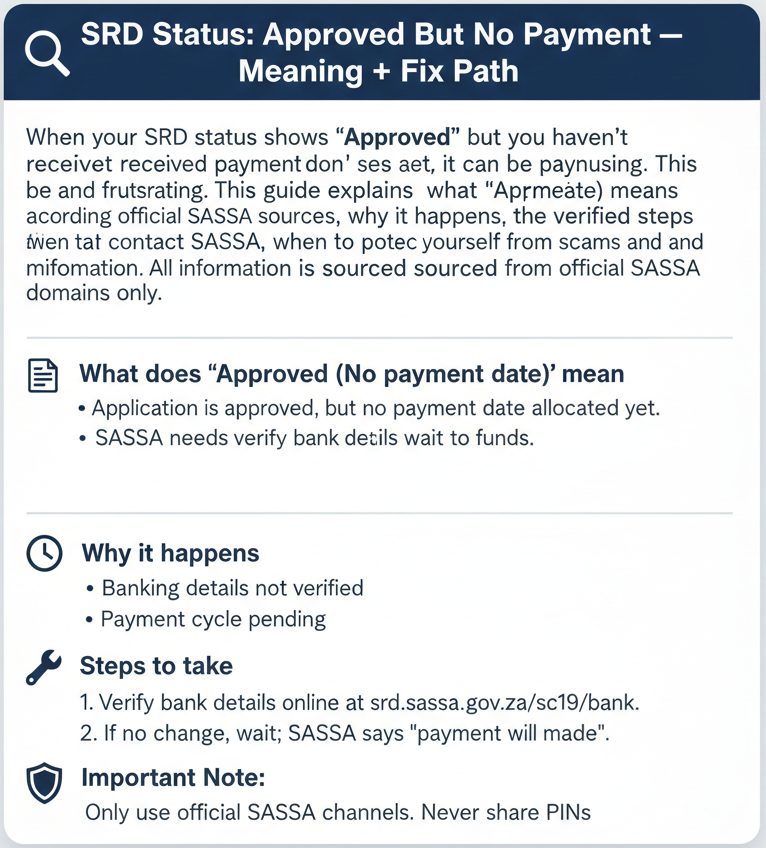
What does “Approved (No payment date)” mean?
“Approved (No payment date)” means your application is approved but a payment date has not yet been assigned. The official next step is to wait for a payment date to be assigned. Recheck your status regularly at srd.sassa.gov.za for payment date assignment. If a payment date is not assigned after 7 days, contact SASSA via WhatsApp (082 046 8553), call centre (0800 60 10 11), or email (grantenquiries@sassa.gov.za).
Status meaning (Approved but no payment)
Exact status text shown
The SRD Status Portal shows two related status texts:
This means your application is approved for the current period.
This means your application is approved but a payment date has not yet been assigned.
Both statuses indicate your application was successful. The difference is whether SASSA has assigned a specific payment date to your account yet. Most approved applications show a payment date immediately, but some show “Approved (No payment date)” temporarily while SASSA processes payment scheduling.
Official definition (quote)
“Approved (No payment date): Your application is approved but a payment date has not yet been assigned.”
This is the complete official explanation provided on the status portal. It confirms that your application is approved—you meet the eligibility criteria and SASSA has authorized payment—but the specific date when payment will be processed has not yet been scheduled in their system.
What happens next (official)
“Wait for payment date to be assigned.”
This means you should not take immediate action. SASSA is processing payment scheduling, and a payment date will be assigned to your account automatically. You do not need to reapply, submit documents, or visit an office at this stage—waiting is the correct next step.
Recheck + escalation (official)
Recheck guidance
Source: srd.sassa.gov.za“Recheck your status regularly for payment date assignment.”
Check periodically at srd.sassa.gov.za. A reasonable approach is every 1–2 days.
Escalation guidance
Source: srd.sassa.gov.za“Contact SASSA if payment date is not assigned after 7 days.”
If the status persists 7 days after approval, use official channels for assistance.
Why this happens
Official reasons list
Official SASSA sources do not provide a public list of specific reasons why some approved applications show “No payment date” while others receive immediate payment dates.
We searched srd.sassa.gov.za, www.sassa.gov.za, and all publicly accessible SRD portal pages on 22 January 2026, and no official explanation of the causes was found.
This does not mean there are no reasons—it means SASSA has not published them publicly. Possible factors may include payment batch processing schedules, banking verification delays, or system processing queues, but without official confirmation, these remain speculation.
What this means for you
Do not trust unofficial websites that claim to know the “exact reasons” for “Approved (No payment date)” status. Some sites list causes like “banking details verification,” “batching delays,” or “account holds” without providing official SASSA sources. While these may sound plausible, they are not confirmed by SASSA. If you want to understand your specific case, contact SASSA directly.
Fix path (step-by-step, official-only)
Check SRD status + payment date
Confirm your current status and check if a payment date has been assigned:
- Go to srd.sassa.gov.za
- Enter your 13-digit ID number
- Enter your 10-digit phone number
- Click “Check Status”
- Look at the status for your current month/period
- Check if a payment date is shown
If your status shows “Approved” with a payment date, payment will be processed on or around that date.
Wait for payment date (batch processing)
The official guidance is to wait. SASSA processes SRD payments in batches, grouped and scheduled in waves.
“Payment date is assigned after approval; payment is processed in batches.”
“Payment processing is subject to batching and may be delayed.”
This confirms that delays are part of standard procedures. Wait at least 7 days before escalating.
Update banking details (if incorrect/changed)
Incorrect details may delay payment assignment. Update via the official portal.
Where to update: srd.sassa.gov.za/sc19/banking-details-update
When to update:
- Incorrect bank info provided
- Bank account closed or frozen
- Switching to Post Office/Retail
- Details changed since application
Only update if actually incorrect. Do not update “just to try”.
Update contact details (if incorrect/changed)
Ensure SASSA can reach you. Update via srd.sassa.gov.za/sc19/contact.
After updating, wait 24 hours and recheck. Updating contact details alone may not trigger payment date assignment.
Escalate after 7 days (official)
If the status persists 7 days after approval, contact SASSA:
WhatsApp: 082 046 8553
Message ID number and explanation of the 7-day delay.
Call centre: 0800 60 10 11
Mon-Fri, 8 AM to 4 PM. Explain “Approved (No payment date)” status.
Email: grantenquiries@sassa.gov.za
Response time: 2–5 business days.
Appeals/reconsideration
We could not find official guidance stating that appeals apply to this status. Appeals are typically for declined applications.
Payment mechanics (official)
Payment options
SASSA offers three official payment methods:
Bank Account
Direct deposit on payment date.
Post Office
Collect via ID and SMS PIN.
Retail Stores
Pick n Pay, Boxer, Shoprite etc.
What “payment date” means
A “payment date” is the specific date scheduled for your payment processing. Once assigned:
- Bank account: Typically processed on the date; 1–2 days to reflect.
- Collection: Receive SMS with PIN and instructions for collection.
Delays
Official statement: “Payment processing is subject to batching and may be delayed.” Delays are part of standard procedures due to batching, system processing, or volume.
Official links and contact channels
Scam safety (official)
Security Protocol
Safe Domains
Only trust srd.sassa.gov.za and sassa.gov.za.
Never Share
OTP, PIN, or banking passwords. SASSA will never ask for these.
“Never share your OTP, PIN, or banking details with anyone.”
SERP myths to avoid (unofficial)
Myth: “24–48 hours payment”
No Official ProofMyth: “7–14 days payment”
No Official ProofMyth: “Guaranteed fix steps”
No Official ProofMyth: “Biometrics required”
No Official ProofFAQs
What does Approved (No payment date) mean?
It means your application is approved but a payment date has not yet been assigned. Recheck regularly for updates.
Why is my SRD approved but no payment date?
Official reasons are NOT FOUND (OFFICIAL). Dates are assigned in batches grouped by waves.
How long does it take after approval?
Timelines are NOT FOUND (OFFICIAL). Official guidance says contact SASSA after 7 days if no date appears.
An “Approved” status means you have succeeded.
Be patient for the processing date.
Approved means your eligibility is confirmed. It is now a matter of logistics. Stick to the 7-day recheck window, verify your details once, and trust only official portals.