SRD Status: Identity Verification Failed — Meaning + Fix Path
When your SRD status shows “Identity Verification Failed,” it means SASSA could not verify your identity using the details you provided during your application. This guide explains the official meaning of this status, what causes it, the verified fix paths you can follow, when to recheck your status, and how to protect yourself from scams. All information is sourced from official SASSA domains only.
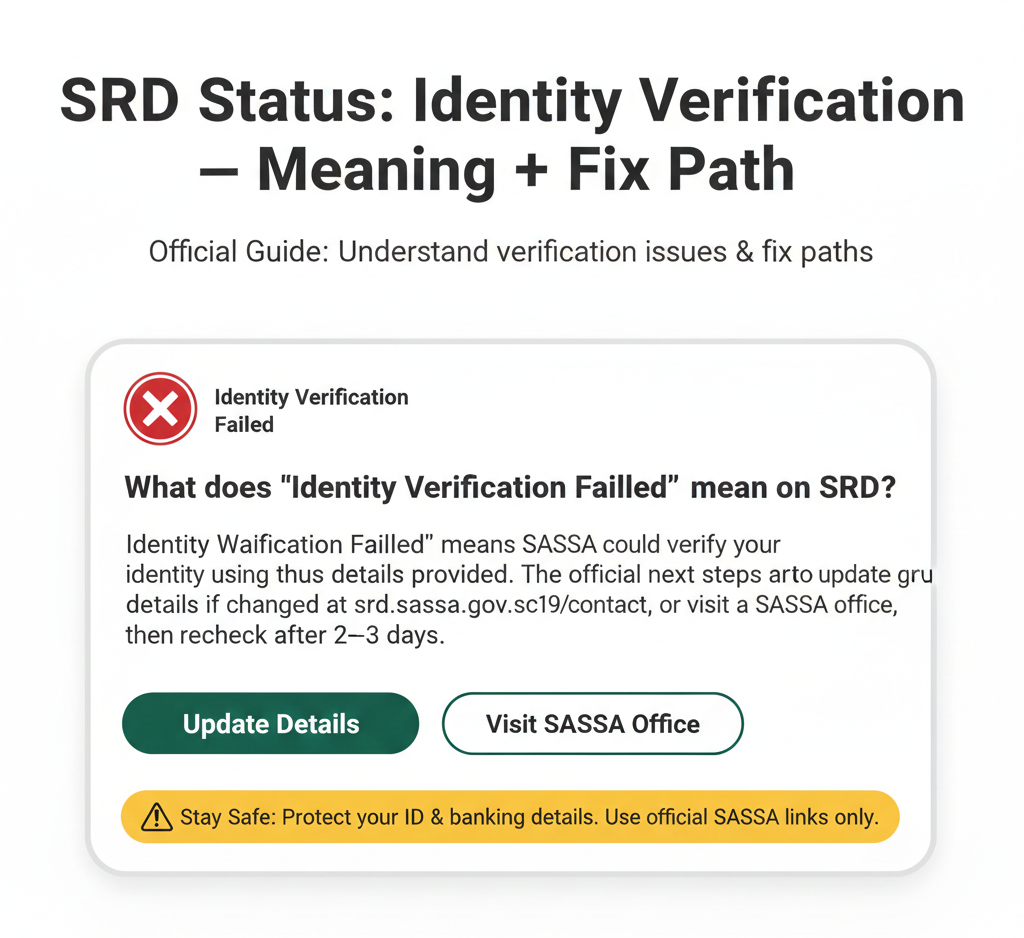
What does “Identity Verification Failed” mean on SRD?
“Identity Verification Failed” means SASSA could not verify your identity using the details provided. The official next steps are to update your details if changed at srd.sassa.gov.za/sc19/contact, or visit a SASSA office, then recheck after 2–3 days.
What “Identity Verification Failed” Means
Exact status text
The exact status term displayed on the SRD portal when SASSA cannot verify your identity is:
“Identity Verification Failed”
This is the official label SASSA uses to indicate there is a mismatch or issue with verifying your identity information.
Official meaning (quote-based)
The official definition from the SRD portal states:
“Identity Verification Failed: Update your details or visit a SASSA office.”
This is the complete message shown to users when this status appears. SASSA provides these two primary fix paths directly on the status page.
What this means in plain language
“Identity Verification Failed” means your identity could not be verified using the information on record for your SRD application. This happens when the details you provided (such as your ID number, phone number, or other personal information) do not match the records held by the Department of Home Affairs or other government databases that SASSA uses for verification.
Common reasons for identity verification failure include:
- Your ID number was entered incorrectly during application
- Your phone number was entered incorrectly or has changed since you applied
- Your personal details (name, date of birth) do not match Department of Home Affairs records exactly
- Your ID document is flagged for review or requires updating at Home Affairs
- There are discrepancies in your records across different government databases
This status does not mean your application is declined—it means SASSA needs to confirm your identity before they can continue processing your application.
What To Do Next (Official Fix Path)
Update your details (if changed)
Official instruction: “Update your details if changed.”
If your personal information changed since you applied for the SRD grant, or if you believe you may have entered incorrect details during your application, update your information using the official contact details update portal.
Where to update: srd.sassa.gov.za/sc19/contact
When you should update details
Update your details only if:
- Your phone number changed since you applied
- Your residential address changed
- You believe you entered incorrect information when you first applied
- You recently updated your ID document at Home Affairs and need SASSA to re-verify against the new records
Do not update your details multiple times or “just in case”—only update if something actually changed or was incorrect.
What “changed details” typically refers to
While official sources do not specify exact fields, the contact details update portal typically asks for information like your ID number and phone number to access your account. Keep your original ID document and current phone handy when using the portal.
What happens after updating
After you submit updated details, the portal typically confirms receipt. SASSA will re-verify your information against their databases. According to official guidance, you should recheck your status after 2–3 days to see if the verification was successful.
Visit a SASSA office
Official instruction: “Visit a SASSA office.”
If updating your details online does not resolve the issue, or if your details have not changed but verification still failed, you may need to visit a SASSA office in person.
Where to find your nearest SASSA office:
Go to www.sassa.gov.za or contact the SASSA call centre at 0800 60 10 11 to find office locations and operating hours. You can also use the WhatsApp service at 082 046 8553 to ask for office locations.
What to expect at a SASSA office
When you visit a SASSA office for identity verification issues, you will need to bring your original South African ID document (ID card or ID book—not a copy or temporary ID). SASSA staff will verify your identity in person and may update your records in their system.
The in-person visit allows SASSA to confirm your identity directly and resolve any discrepancies between your application details and official records. This process is typically used when online verification methods are not sufficient.
What to do after the visit
After visiting a SASSA office, wait 2–3 days and then recheck your SRD status at srd.sassa.gov.za. If your identity was successfully verified in person, your status should change from “Identity Verification Failed” to another status (such as “Pending” while your application continues processing, or “Approved” if you meet all other eligibility criteria).
Important: The official guidance does not mention “biometrics” as a requirement for resolving Identity Verification Failed. Some unofficial websites claim biometric verification (fingerprints, facial recognition) is required, but this is not stated on official SASSA sources (as of 21 January 2026). When you visit a SASSA office, staff will guide you through their identity confirmation process—do not assume specific procedures based on unofficial sources.
When To Recheck Your Status
Official recheck guidance
The official guidance from SASSA states:
“After updating or verifying, recheck after 2–3 days.”
This means:
- If you updated your details online, wait 2–3 days before checking your status again
- If you visited a SASSA office, wait 2–3 days before checking your status again
During this time, SASSA is re-processing your information and verifying your identity against their databases. Checking your status multiple times per day will not speed up this process—SASSA needs time to complete verification.
How to recheck your status:
- Go to srd.sassa.gov.za
- Enter your 13-digit ID number
- Enter your 10-digit phone number
- Click “Check Status”
If your status has changed from “Identity Verification Failed,” follow any new instructions shown (e.g., confirm banking details if approved, review decline reason if declined).
If it still shows the same status
If your status still shows “Identity Verification Failed” after 2–3 days and you have already updated your details or visited a SASSA office, contact SASSA using the official channels below:
- WhatsApp: 082 046 8553 – Message your ID number and explain that you updated your details/visited an office.
- Call centre: 0800 60 10 11 – Call Monday to Friday, 8 AM to 4 PM. Explain your situation.
- Email: grantenquiries@sassa.gov.za – Send an email with your ID number and a description of the issue.
Do not pay anyone to “fix” your identity verification issue. SASSA services are free, and no third party can speed up the verification process.
Common Unofficial Claims to Avoid (SERP Risk Guard)
Many unofficial websites and social media posts make claims about “Identity Verification Failed” that are not supported by official SASSA sources. Here are three common myths:
Myth 1: “Resolved in 48 hours”
Some sites promise your identity verification issue will be resolved within 48 hours. This is not stated on official SASSA sources. The official guidance is to recheck after 2–3 days, but SASSA does not guarantee resolution within a specific timeframe.
Myth 2: “Biometrics required”
Some sites claim you must complete biometric verification (fingerprints, facial recognition) at a SASSA office to resolve this issue. This is not stated on official SASSA sources (as of 21 January 2026). Do not assume biometrics are required based on unofficial sources.
Myth 3: “Appeal within 24 hours”
Some sites claim you must appeal or take action within 24 hours of seeing “Identity Verification Failed.” This is false. “Identity Verification Failed” is not a declined application—it is a verification issue that can be resolved by updating details or visiting an office.
Warning: If a site promises fast resolution, treat it as unofficial. SASSA does not charge for status checks, updates, or in-person assistance. All SASSA services are free.
Related Statuses (Avoid Confusion)
Understanding how “Identity Verification Failed” differs from other SRD statuses can help you know what to expect and what actions to take.
- Referred: “Referred” means your application is referred for further verification. This is different from “Identity Verification Failed”—”Referred” indicates SASSA needs additional information or manual review, while “Identity Verification Failed” specifically means your identity could not be confirmed using the details provided.
- Pending: “Pending” means your application is still under review. This is different from “Identity Verification Failed”—”Pending” means SASSA is processing your application normally, while “Identity Verification Failed” means processing is paused until your identity is verified.
- Declined: “Declined” means your application was not approved. This is different from “Identity Verification Failed”—”Declined” means SASSA reviewed your application and determined you do not meet eligibility criteria, while “Identity Verification Failed” means SASSA could not verify your identity to complete the review.
- Approved: “Approved” means your application was approved for the current period. This is the outcome you want after resolving “Identity Verification Failed”—once your identity is verified and you meet eligibility criteria, your status will change to “Approved.”
Official Links (Quick Reference)
Use only these official SASSA portals for SRD services:
- 📌 SRD Status Check srd.sassa.gov.za
- 📌 Update Contact Details srd.sassa.gov.za/sc19/contact
- 📌 Update Banking Details srd.sassa.gov.za/sc19/banking-details-update
Do not use any other websites or apps claiming to offer SRD status checks or updates. Unofficial sites may steal your information or charge you for services that should be free.
Contact SASSA (Official Channels)
If you need help resolving your “Identity Verification Failed” status, use only these official SASSA channels:
- Website: srd.sassa.gov.za – Primary status check and update portal. Works 24/7.
- WhatsApp: 082 046 8553 – Official SASSA WhatsApp number for SRD help. Message your ID number and describe your issue. Response time is typically 1–3 hours during business hours.
- Call centre: 0800 60 10 11 – Toll-free helpline for SRD enquiries. Call Monday to Friday, 8 AM to 4 PM.
- Email: grantenquiries@sassa.gov.za – For written enquiries or follow-ups. Response time is typically 2–5 business days.
Scam Safety (Must-Have)
Safe domains
Only trust these official SASSA domains: srd.sassa.gov.za (Official SRD status and update portal) and sassa.gov.za (Official SASSA website). If a website doesn’t end in these exact domains, close it immediately.
Never share
Never share these details with anyone, including people claiming to be from SASSA:
- OTP (one-time PIN): The OTP sent to your phone is for your use only. SASSA will never ask for your OTP via phone call, SMS, or email. If someone asks for your OTP, it’s a scam.
- PIN: If you use Post Office or retail collection, your payment PIN is private. Do not share it with anyone.
- Banking details: Do not share your bank account number, card number, or CVV with anyone claiming to “verify” your identity.
The official SASSA warning states: “Never share your OTP, PIN, or banking details with anyone.”
FAQs
What does Identity Verification Failed mean?
“Identity Verification Failed” means SASSA could not verify your identity using the details you provided. This happens when your information does not match records from the Department of Home Affairs or other government databases. Update your details or visit a SASSA office to resolve this issue.
What should I do if Identity Verification Failed?
Update your details at srd.sassa.gov.za/sc19/contact if your information changed, or visit a SASSA office for in-person verification. After taking action, recheck your status after 2–3 days. If the issue persists, contact SASSA via WhatsApp (082 046 8553) or call centre (0800 60 10 11).
How do I update my SRD contact details?
Go to srd.sassa.gov.za/sc19/contact. Enter your ID number and follow the prompts to update your phone number or address. After updating, recheck your status after 2–3 days to see if identity verification was successful.
How long should I wait after updating details?
The official guidance is to recheck after 2–3 days. This gives SASSA time to re-verify your information against their databases. Checking multiple times per day will not speed up the process—wait the full 2–3 days before rechecking.
What is the official WhatsApp number for SRD help?
The official SASSA WhatsApp number for SRD help is 082 046 8553. This is the only official WhatsApp number. Do not trust any other WhatsApp numbers claiming to be SASSA. Message your ID number and describe your issue to get help.
What details should I never share when checking SRD status?
Never share your OTP (one-time PIN), PIN (for Post Office or retail collection), or banking details (account number, card number, CVV) with anyone. SASSA will never ask for these details via phone call, SMS, or email. If someone asks for these, it’s a scam.
Final Thoughts
Encountering an “Identity Verification Failed” status can be frustrating, but it is a resolvable step in the SRD application process. By following the official fix paths—either updating your details online or visiting a SASSA office—you provide the necessary clarity for SASSA to proceed. Always rely on official government domains and safeguard your personal information against unofficial “helpers.”
Verify safely, proceed surely.